Slow WiFi and dead zones
Review access point placement, client signal, channel use, interference and wired uplinks.
Slow WiFi, devices dropping offline, failed adoption or unreliable business networks? Trinity Systems investigates UniFi problems and provides a clear plan for configuration fixes, upgrades or onsite service.
Call 602-739-3026Get a quoteSee examples of structured network installations and equipment organization from Trinity Systems projects. We bring the same attention to planning, configuration, and service coordination to Denver-area requests.
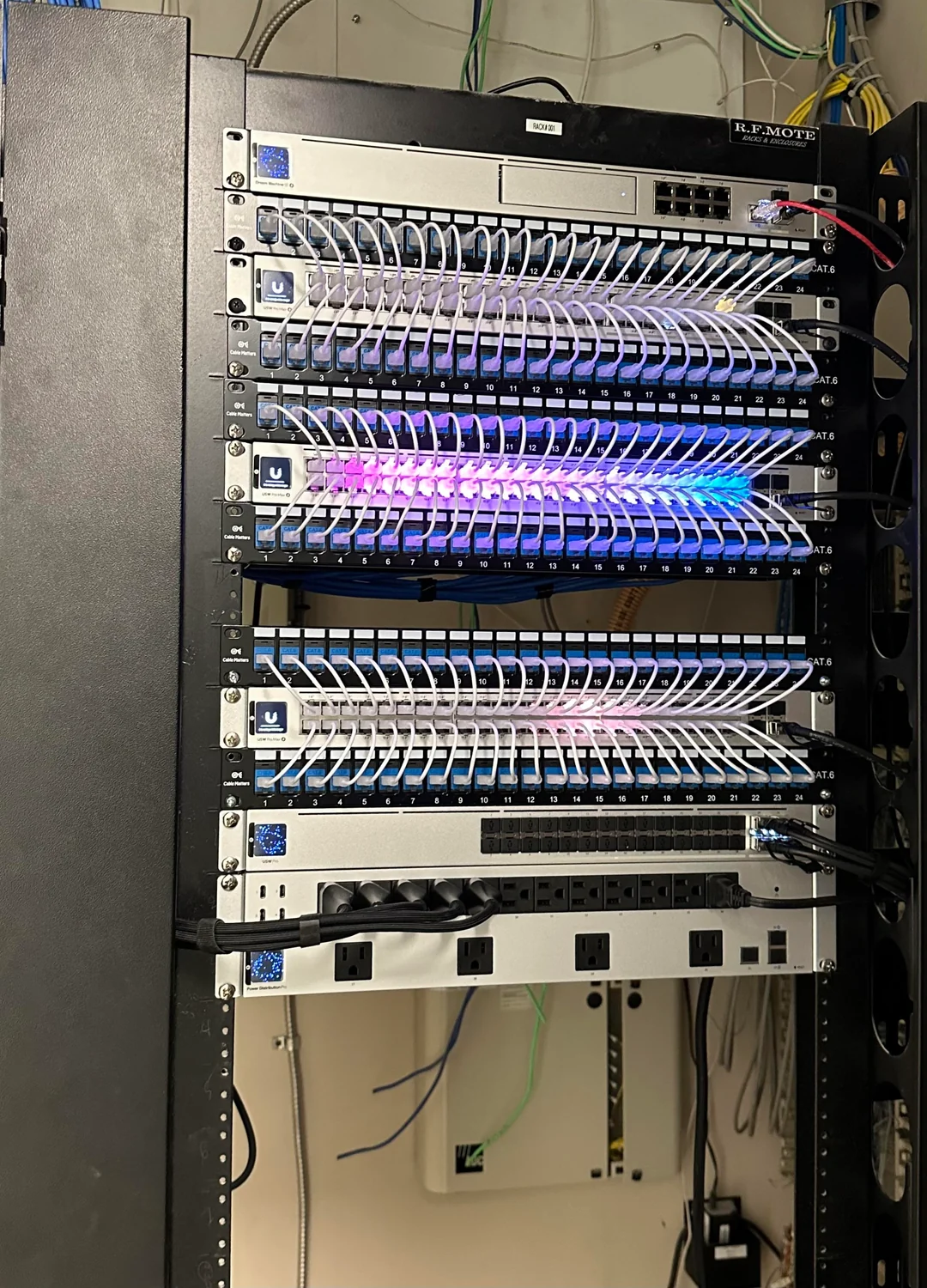
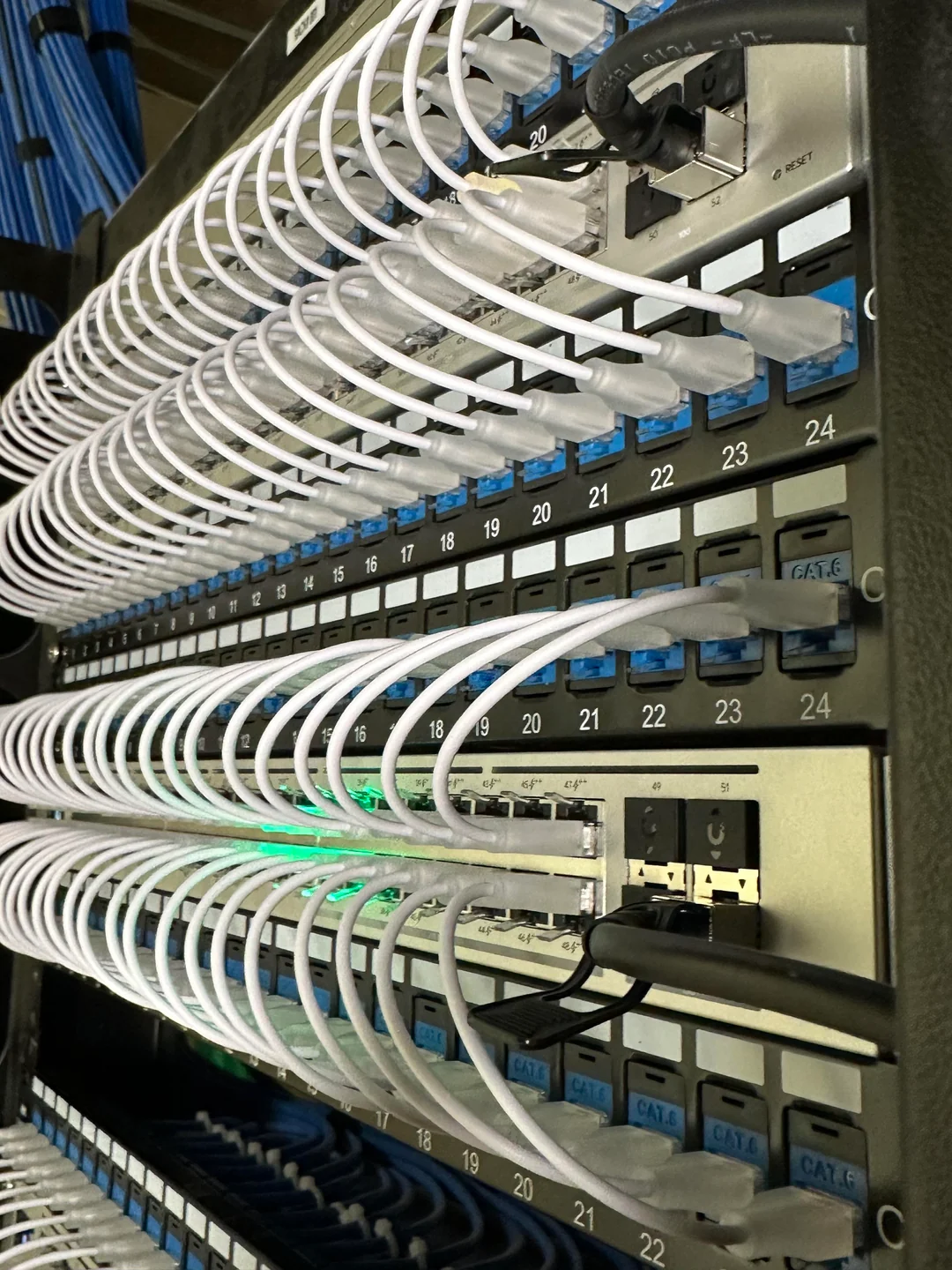
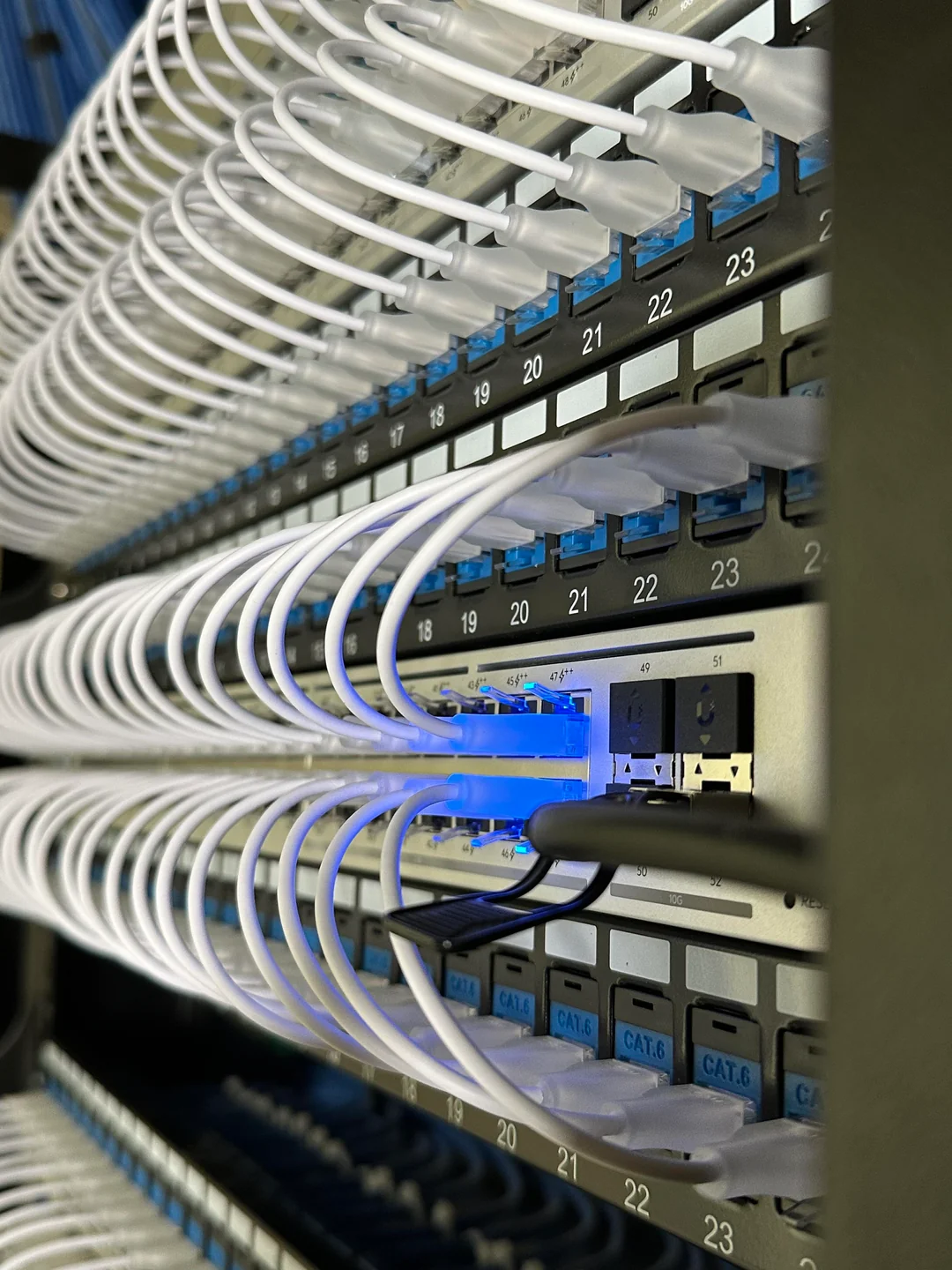
Project photos illustrate Trinity Systems work and are not represented as installations completed in Denver.
We start by understanding the symptoms, network topology and recent changes before recommending equipment replacement.
Review access point placement, client signal, channel use, interference and wired uplinks.
Check controller access, adoption state, power, network reachability and firmware compatibility.
Review WAN settings, DHCP, DNS, routing, firewall policies and segmented network behavior.
Check port status, uplink capacity, power budgets and physical connections.
Correlate logs, ISP handoff, switch topology and reported outage patterns.
Many configuration issues can be diagnosed remotely; physical faults may require an appointment.
We focus on restoring stability without making unnecessary changes or selling hardware you may not need.
Gather symptoms, topology, UniFi console access and current device inventory.
Inspect health indicators, logs, connectivity, radio configuration and known constraints.
Explain findings, remediation options and whether an onsite visit is necessary.
Test affected devices and document completed configuration changes.
If your network has repeated disconnects, WiFi coverage gaps, gateway instability or unreliable camera connectivity, a structured assessment can save time and prevent random equipment swaps.
Practical answers for Colorado homeowners, offices and businesses working with Ubiquiti networks.
WiFi speed can be limited by signal strength, interference, client capabilities, access point placement, channel width, wired uplinks or competing traffic. We compare wired and wireless performance before recommending changes.
Potential causes include unstable PoE, damaged cabling, uplink faults, controller reachability and configuration or firmware issues. We review logs and physical connections to narrow down the cause.
Often, yes. We verify device reachability, ownership, controller compatibility and authorization before planning recovery or re-adoption. We avoid factory resets until the impact is understood.
We can review supported UniFi gateways for WAN connectivity, routing, firewall rules, VLANs, VPN settings and device adoption, depending on access and model compatibility.
Some configuration and performance problems can be investigated remotely with authorized access. Cable faults, power problems and physical equipment replacement may require an onsite appointment.
The cost depends on the number of devices, whether onsite work is required and the complexity of the problem. Share your symptoms and equipment list to request a scoped service estimate.
We can investigate network connectivity, PoE and switching issues affecting UniFi Protect devices. Camera-specific service or physical installation is quoted separately as appropriate.
Not necessarily. Placement, channel settings, mounting orientation and wired backhaul may be the real issue. We assess the current design before recommending new hardware.
We coordinate UniFi troubleshooting and network takeover inquiries for Denver, Aurora, Centennial, Lakewood, Littleton and Highlands Ranch. Onsite appointments depend on technician availability, site conditions and applicable local requirements. Remote configuration may be possible elsewhere in Colorado.
Colorado regulated installation work is only offered where appropriate licensing and permissions are in place. Arizona ROC #320454 is not a Colorado license.
Denver UniFi services · UniFi installation · Business WiFi · Remote network management · Troubleshooting · Network takeover
See our UniFi services and equipment guides.
For a faster estimate, send your equipment list, photos of the rack, approximate location and a short description of the issue. We will confirm the appropriate next step and availability.
Call nowRequest a quote